
Booking and payment
Patients can book and pay for an appointment from their secure account.
Before, during and after the consultation
The MedConnect patient portal lets patients book, pay, join a video consultation and return to the information needed for follow-up. It extends the clinical platform without isolating the patient in a separate tool.
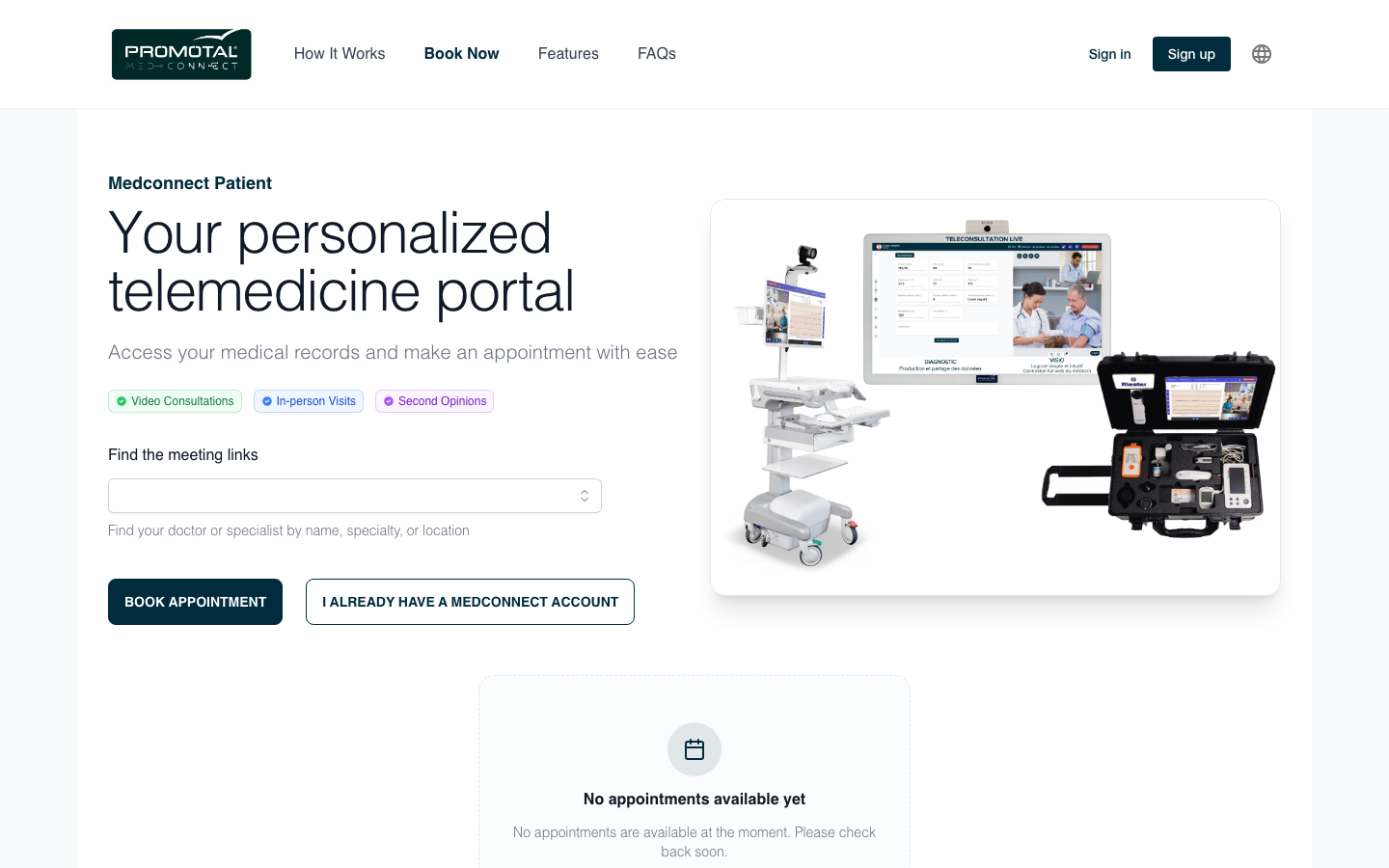
Verified capabilities
Each capability remains connected to the same record and care workflow.
Patients can book and pay for an appointment from their secure account.
The consultation link and patient journey remain in the same environment.
Upcoming and past consultations remain available to the patient.
Available consultation notes and vital signs can be reviewed after care.
Patients can access and upload health documents, including prescriptions stored as patient documents.
Messaging with a specialist is available within a teleexpertise request.
One continuous clinical thread
Appointments, the consultation, vital signs and documents remain in the MedConnect workflow. Integrations with third-party systems are scoped separately for each deployment.
Customer identity
The public portal landing page can use the customer’s domain, logos, content and supported colors. This configuration is part of our white-label deployment service.
Explore white-label deployment →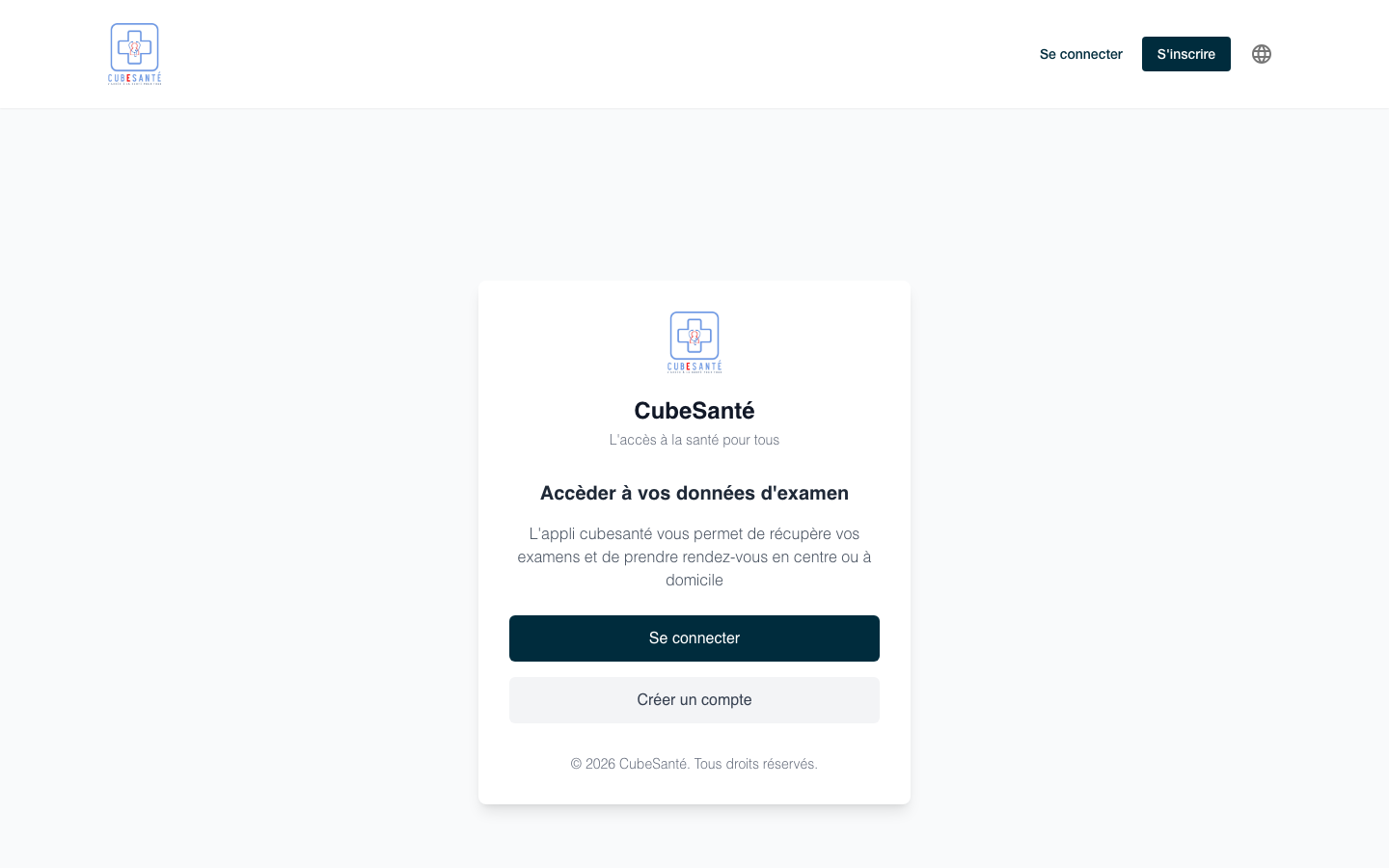
Available as patient documents, without claiming a separate structured prescribing interface.
Limited to specialist exchanges within a teleexpertise request.
Enabled features, payment and integrations are confirmed during deployment scoping.
Patients can authenticate securely, book and pay for appointments, join video consultations, review their history, notes, vital signs and clinical documents, and upload health documents.
Yes. Prescriptions can be made available as patient documents. MedConnect does not present this as a separate structured prescribing interface.
Yes, within a teleexpertise request. The portal is not presented as a general patient-to-clinician messaging service outside that workflow.
The public patient-portal landing page can be configured with customer identity, logos and supported colors through a white-label service provisioned by our teams.
Guided demonstration
Tell us your organization type, appointment workflow and the documents you need to make available. We will demonstrate a relevant configuration.